Self-Checkout Product Ordering: A UX Study for Food Retail

Retail Retail

Why product order matters at self-checkout

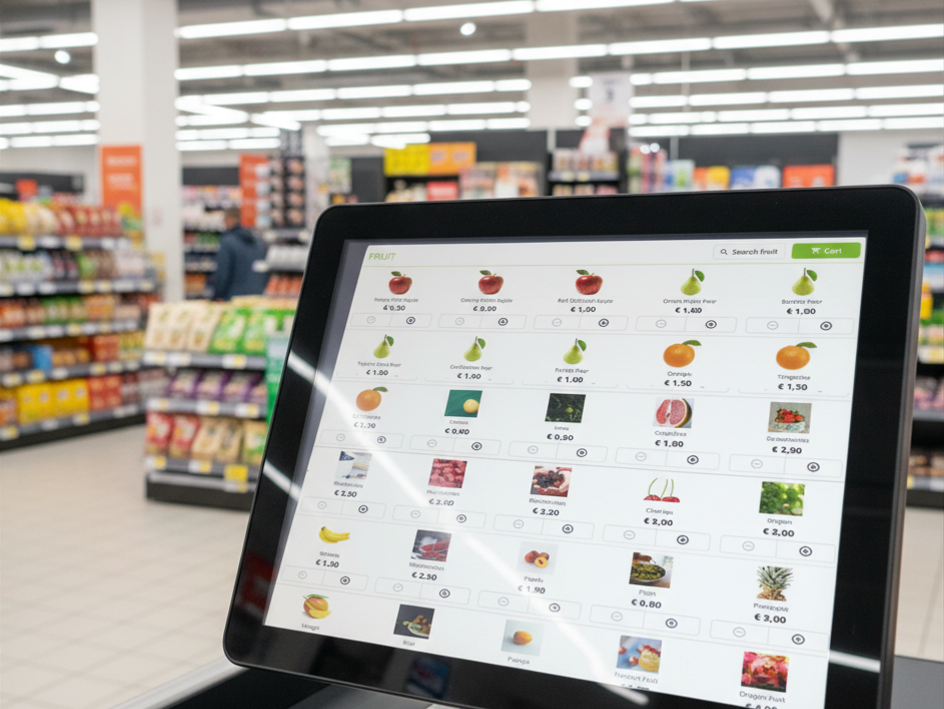
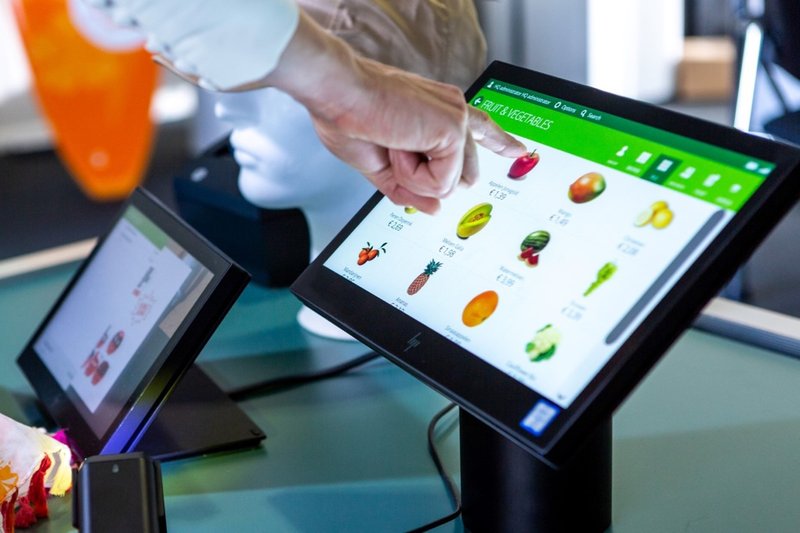
When a shopper reaches for fruit, vegetables, or fresh bakery at a self-checkout, they can't scan a barcode - they have to find the item in an on-screen menu. How quickly they find it depends almost entirely on one thing: the order those products appear in.

In Centric's Omnichannel Retail Suite self-checkout (SCO) solution, retailers control that order. The product sequence defined within the OSP groups in Omnichannel Business Platform (OBP) flows directly into the self-checkout interface, shaping the category menus customers navigate every day. A well-ordered menu means faster transactions, shorter queues, and fewer frustrated shoppers. A poorly ordered one quietly slows everyone down.

So, we set out to answer a simple question: which ordering logic actually serves customers best?

What we tested

We ran a user study comparing three common approaches to arranging products in the self-checkout menus:

  • By similar product type - grouping items that naturally belong together
  • Alphabetically - listing products from A to Z
  • By best-sellers - leading with the highest-selling items

See the study in action - watch the short demo below before we get to what customers preferred.

See It in Action: Self-Checkout Ordering in Practice

Demo: Comparing product type, alphabetical, and best-seller ordering in Centric's self-checkout solution.

What customers preferred

The results were clear. Shoppers strongly preferred ordering by similar product type, with alphabetical ordering a solid second. Ordering by best-selling products came last - what sells well at the till isn't necessarily what's easy to locate on a menu.
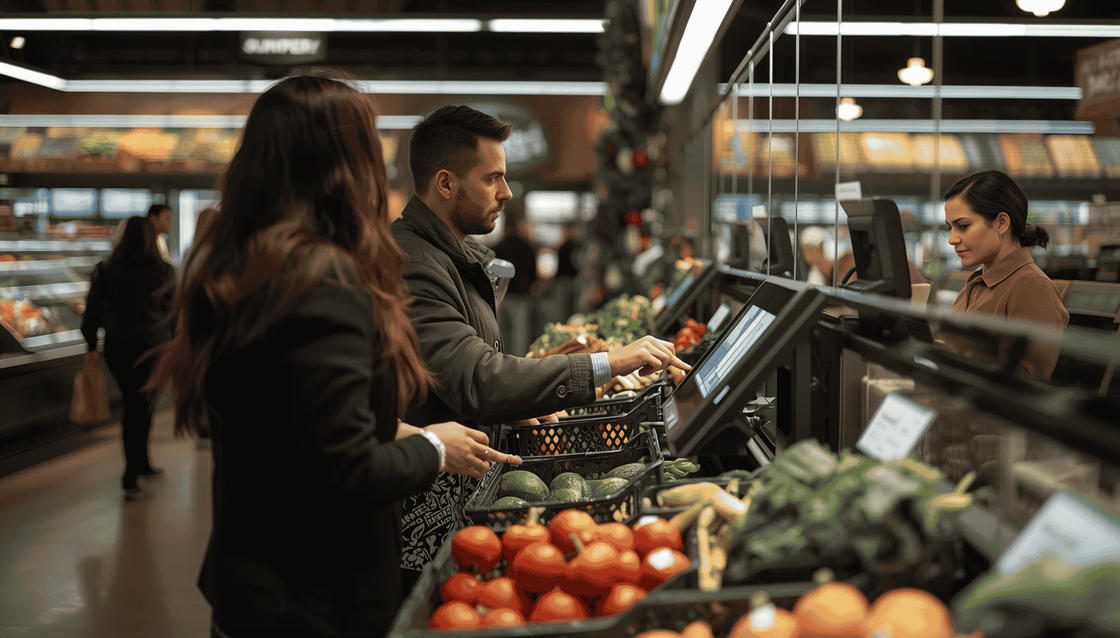
“I like having similar product types grouped together, because if I'm looking for an apple for example, when I see the first apple, my mind goes: ‘I've found the apples!’ and knowing that similar apples are near helps.”

Anonymous UX Research Participant

Our recommendation for retailers

Based on these findings, we recommend setting similar product type as the primary ordering logic in your OSP groups. For larger or more varied assortments, a hybrid approach works especially well: group products by type first, then order alphabetically within each group. This combines intuitive grouping with the predictability of A-to-Z, giving customers the fastest possible path to the right item.

The bottom line

Small configuration choices have a real impact on the checkout experience. By aligning your product order with how customers actually think and search, you can speed up self-checkout, ease pressure at peak times, and leave shoppers with a smoother final impression of their visit.

Special thank you goes to our UX intern Rutger Peusken, whose research and analysis made this study possible.